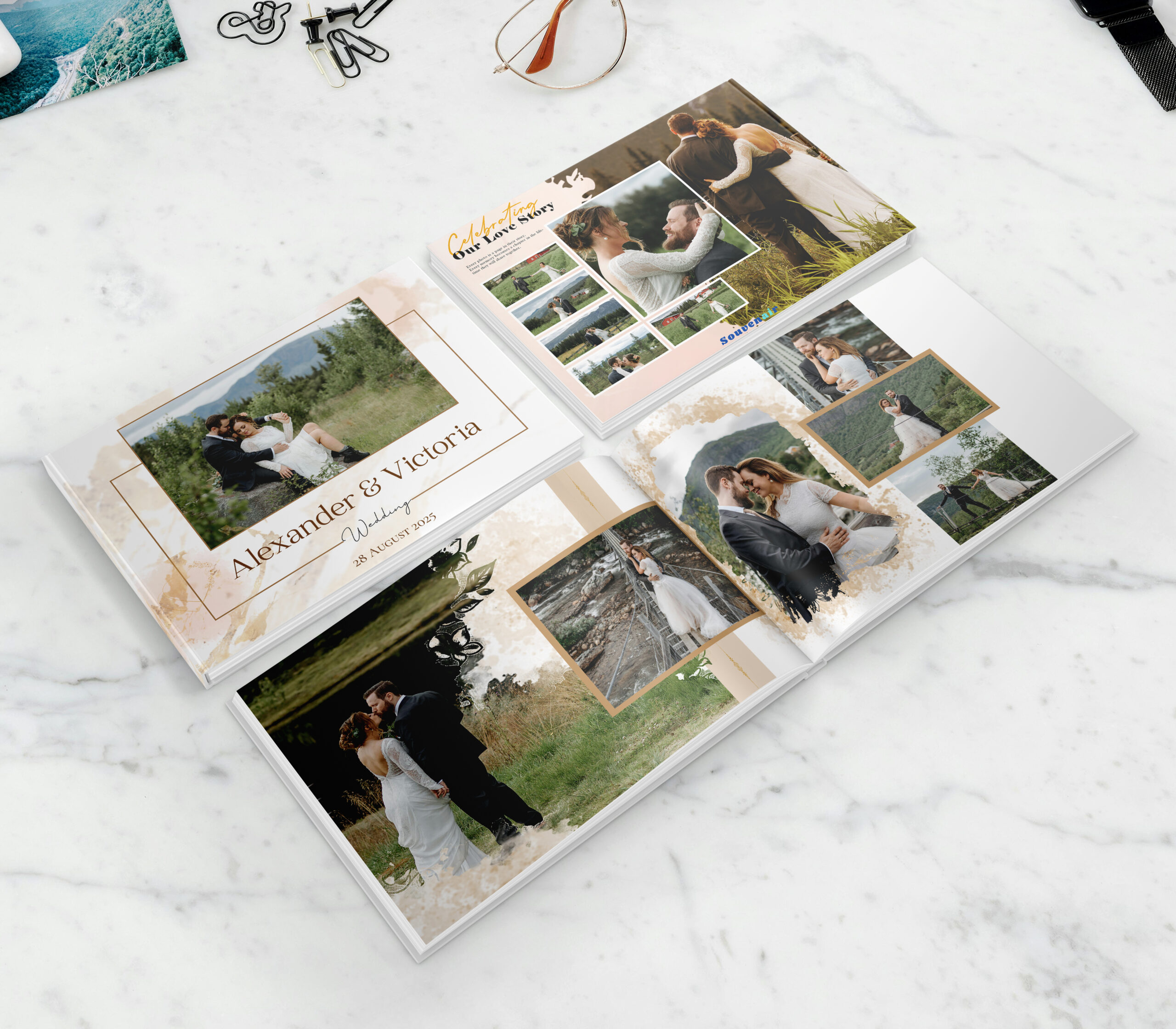
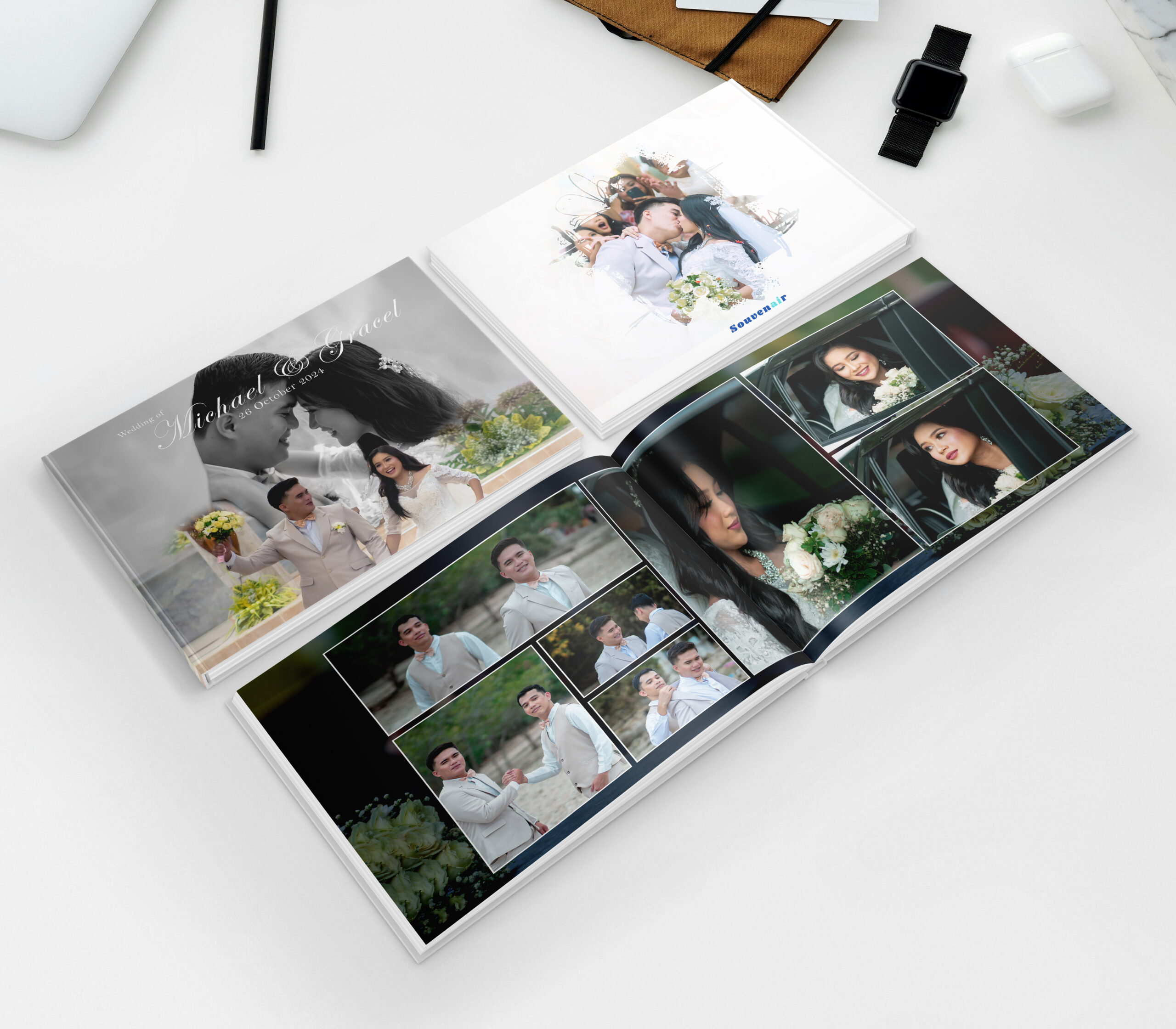
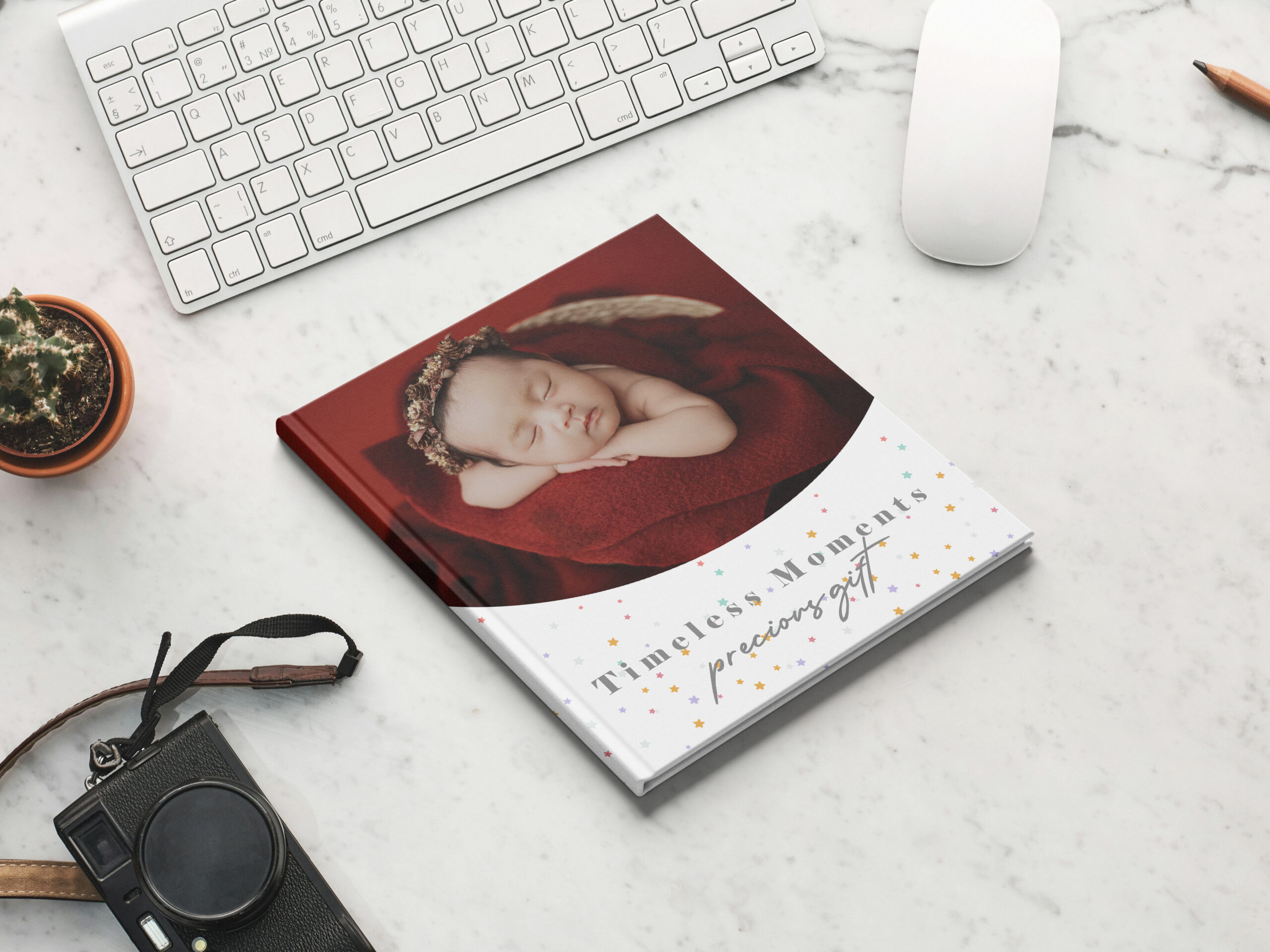
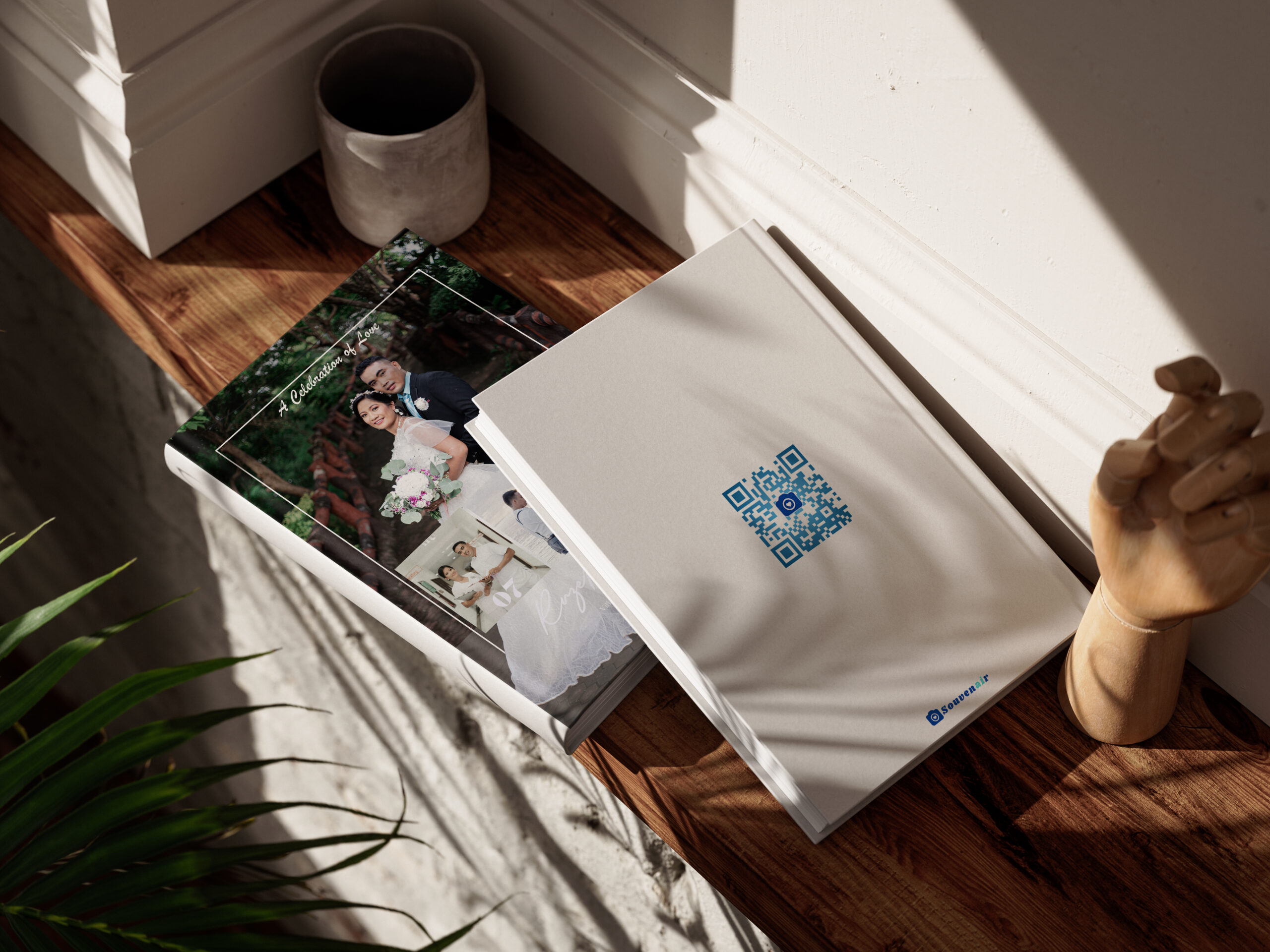
🛍️ How to Order Photobooks? Ordering your custom photobook with Souvenair is simple and seamless. Follow these steps to bring your memories to life: 📌 Step 1: Choose Your Photobook 📤 Step 2: Submit Your Files 🛒 Step 3: Payment Methods 🖌️ Step 4: Layout & Preview 🚚 Step 5: Shipping & Delivery Go to our shop page.Select the photobook format, binding, and number of pages that suits your needs.Click Add to Cart.Choose any QR code add-on if you want video access to your memories. You’ll be redirected to submission page, fill in the required fields.📤 Upload your photos via Google Drive/Dropbox and paste your link (set to “Anyone with the link can view”).🖼️ If you have a preferred cover photo, please rename it as “COVER.”If no photo is renamed, we’ll choose the best one for you.Optional: Add a message or notes if you have special instructions.Finally, click Submit. Payment InstructionsGCash / Maya / Bank Transfer: Follow on-screen steps, then click “Upload Proof & Files” after payment.PayPal: Follow on-screen steps; you’ll be directed to upload your files after payment. After submission, our team will create your photobook layout based on your photos and videos.You will receive a preview of the layout for review before final printing.If any adjustments are needed, you can request up to 2 free revisions.Once approved, your photobook will go to final printing.Our free layout service with 2 revisions ensures your photobook looks polished, professional, and exactly how you want it. Your photobook will be shipped once printing is complete, and you’ll receive a confirmation email.Standard Delivery takes 7–14 business days, depending on your location.Premium Express takes 4–10 business days, depending on your location.Super Rush takes 3–7 business days, depending on your location.We’ll send your tracking number via email once dispatched. Send Us A Message Featured Flipbooks View All March 15, 2026 Alexander & Victoria March 6, 2026 Michael & Gracel March 1, 2026 Precious Gift February 28, 2026 Ruzel & Rhona View All